Dietitian rounds Ward 3B, morning

Hospital dietitian software that lets you set each diet once

You set the diet. MedMeals makes every channel respect it: the nurse's tablet, the family's phone and the kitchen's KOT. Changes you make on rounds reach the kitchen and nursing in real time, and consumption and compliance reports show you where to look next.

Patients
Assigned at admission
Diet change
Kitchen alerted in real time
Allergies
Hidden on every menu
Reports
Consumption and compliance

Your diet orders deserve better than a kitchen slip

A clinical dietitian's day splits between assessing patients and chasing paper. You screen new admissions, counsel families and plan therapeutic diets, then spend the gaps on the phone: did the kitchen get the change to soft diet, why did bed 12 get the regular thali, who sent sweets to the diabetic patient in 4B.

The work that needs your training gets squeezed by work a system should do. MedMeals takes the checking off your list. The diet you set becomes the menu the patient sees, and every change you make reaches the kitchen and the ward as soon as you save it.

Tools for the way hospital dietitians work

  • Set the diet once

    Enter the diet order, texture, allergies and cycle just once. RSOT tablets, online ordering by families and admin ordering all work from it after that.

  • Your hospital's diets, your definitions

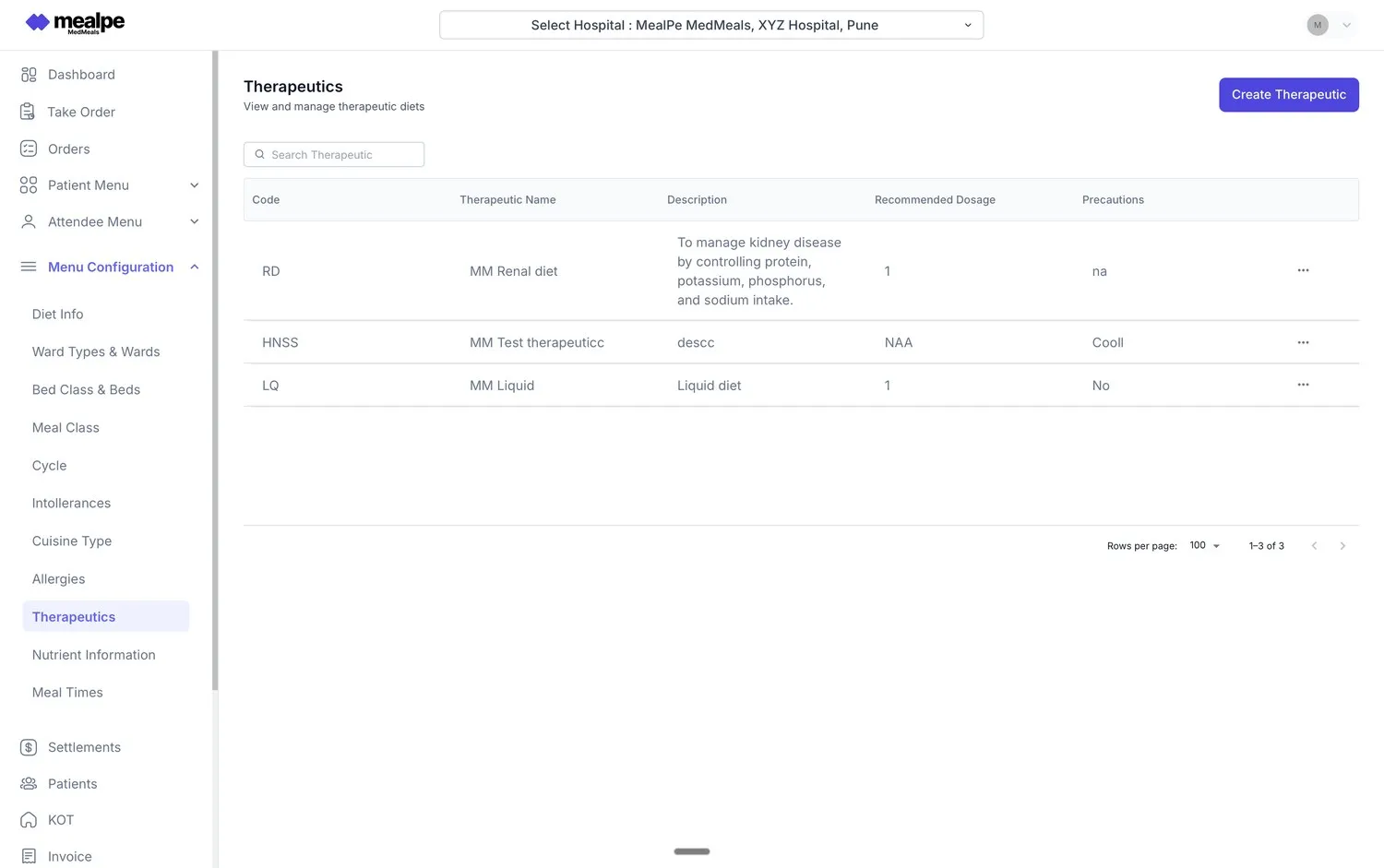
    Keep your hospital's own diet list, from renal and cardiac to diabetic and liquid, in the therapeutics master, with the description and precautions your protocols specify.

  • Nutrient values on every item

    Calories, protein, carbohydrates, sodium and more sit on each menu item, so you can check a menu against the diet order before it is served.

  • Changes on rounds, alerts in real time

    Update a diet at the bedside and the kitchen and nursing are alerted at once. The next order follows the new diet without a phone call.

  • Your patients, assigned at admission

    New admissions arrive through HIMS sync or manual onboarding with a dietitian assigned, so every patient reaches your list with a diet set up.

  • Consumption and compliance reports

    Reports show how your wards are doing on consumption and diet compliance, and which meals were served by ward, diet or period. Each patient's meal history adds what was ordered, delivered and held.

  • No re-entry after a transfer

    Bed and ward transfers carry the diet profile across, so you never enter a diet twice because a patient changed floors.

The therapeutics master is yours

You decide which diets exist and what they mean. Add a diet, write its description, recommended use and precautions, and tag the menu items that suit it. When you refine a protocol, the change flows into every patient menu that uses that diet.

  • Descriptions and precautions stored with each diet
  • Menu items tagged with the diets they suit
  • Refinements apply to future orders
Therapeutics master
Therapeutics master in MedMeals listing renal, liquid and other therapeutic diets with descriptions, dosage and precautions

Therapeutics master, maintained by dietitians
More of the round spent with patients

When the menu enforces the diet and the kitchen hears about changes from the system, rounds are for assessment, counseling and the patients whose meal records need a closer look, not for checking slips.

  • No diet lists to copy for the kitchen
  • Diet changes alerted in real time
  • Meal history ready before you reach the bed
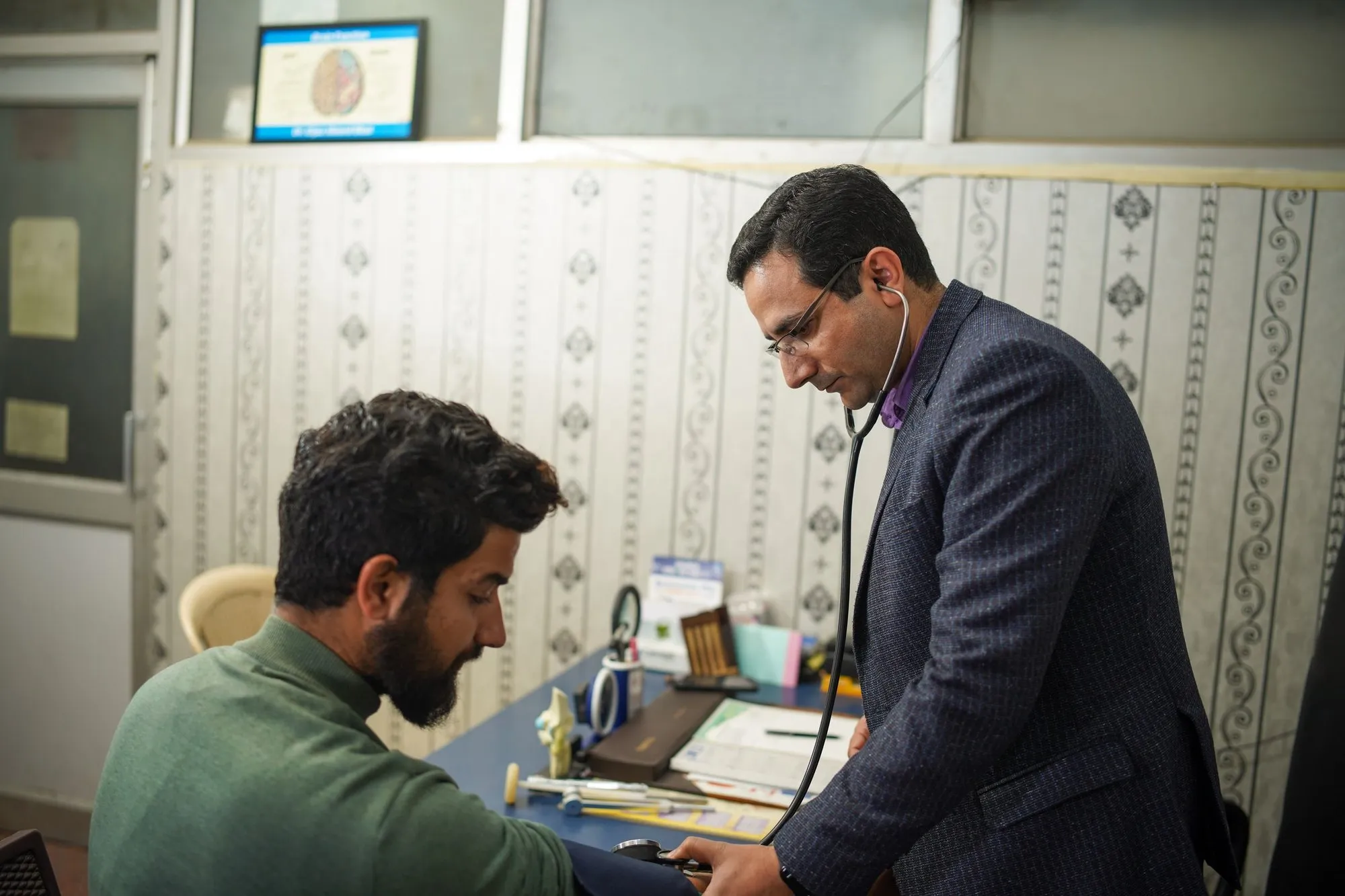
Doctor checking a patient with a stethoscope and blood pressure cuff in a consultation room

Clinical time goes back to the bedside

A dietitian's day with MedMeals

The same day you already work, with the phone calls and slip checks taken out.

Duty roster A day with MedMeals
  1. 07:30

    New admissions on your list

    Overnight admissions appear with you assigned as their dietitian. Record diets, textures and allergies before breakfast orders open, and the menus update at once.

  2. 09:30

    Ward rounds

    Assess patients and adjust diets at the bedside. A change from liquid to soft reaches the kitchen and the ward nurse as an alert, and lunch follows it.

  3. 12:00

    Lunch goes out

    Nurses take orders on RSOT tablets and families order online. Every patient menu shows only what fits the diet you set, so there is nothing to double-check.

  4. 14:30

    Review consumption and compliance

    Check meal reports by ward and diet, and open the meal history of patients whose meals were held or not ordered, to decide whom to see first tomorrow.

  5. 16:00

    Update menus and cycles

    Adjust nutrient values, tag a new item with the diets it suits or extend a diet cycle. Future menus follow the change.

  6. 18:00

    Discharges and handover

    Discharged patients keep their full meal history on the record, and the evening team sees the same diets you set this morning.

What changes for the dietitian

  • Diet orders that hold

    100% diet compliance: an item that breaks the diet is not on the patient's menu, so a nurse, a family member or an admin cannot order it.

  • Fewer meal-service errors

    The diet you set is the diet the kitchen sees, with no slip in between to misread, so there are fewer wrong trays to catch on rounds.

  • No diet lists to write

    Meal cards and KOTs are generated from the orders, so you no longer rewrite the day's diets for the kitchen.

  • A record you can stand behind

    Every diet you set and change is logged with the meals that followed, ready for NABH and internal audits.

Questions buyers ask

Still have a question? Ask our team or call +91 79845 98296.

What is hospital dietitian software?

Hospital dietitian software helps clinical dietitians manage inpatient diets: recording diet orders, maintaining therapeutic diets, building menus from nutrient data and following what patients are served. MedMeals connects that work to ordering, the kitchen and reporting, so the diet you set is the diet that reaches the tray.

Can I define our hospital's own therapeutic diets?

Yes. Your team creates and edits diets in the therapeutics master, writing a description, recommended use and precautions for each. Tag menu items with the diets they suit, and every patient on that diet sees a menu built from those tags.

How does a diet change reach the kitchen?

You update the diet on the patient's record. The kitchen and nursing receive a real-time diet-change alert, the next orders follow the new diet, and the KOT and meal card show it.

How do I follow up on what my patients actually received?

Open a patient's meal history to see every order, its status from placed to cleared and any meals that were held. Across your wards, reports on consumption and diet compliance help you decide whom to see first on the next round.

Does MedMeals replace nutritional screening and assessment?

No. Screening, assessment and the care plan remain your clinical work, using the tools your hospital follows. MedMeals makes sure the resulting diet is applied at every meal and gives you the meal data to follow up.

Is this software for dietitians in private practice?

No. Most software for dietitians is built for private practice, with clients and meal plans at home. MedMeals is built for hospital dietitians and nutritionists who manage inpatients: diets on the wards, bedside ordering, the diet kitchen and the hospital's audits.

Can nurses and families see the patient's diet?

Yes, in the way each needs. Staff with access see the diet on the patient's record. Nurses ordering on RSOT tablets and families ordering online see only items the diet allows, and the KOT and meal card name the diet, bed and ward.

Bring your diet list and see it enforced

Book a demo with two or three of your diets in hand. We will show how each one shapes a patient's menu, from the round to the tray.

Demo request Reply within one working day

Request a personalized demo

Your role (tick one)

We will only use your details to arrange the demo. See the privacy policy.